DTF Image Prep, Simplified
Effortlessly prepare your images for DTF printing with our Photoshop actions, ensuring high-quality results in seconds.
Stop Struggling with Manual Prep

Save Time
Reduce dozens of steps to just a few clicks. Prep entire batches of artwork before your coffee cools.

Better Feel
Automated halftones create soft-hand prints that feel great on any garment color.

Save Supplies
Spot and halftone color removal reduces ink and powder consumption.
Watch it in Action
Create DTF Halftones Instantly
Multiple halftoning methods for black, white, and color garments ensure precise, consistent knockouts for any type of artwork,
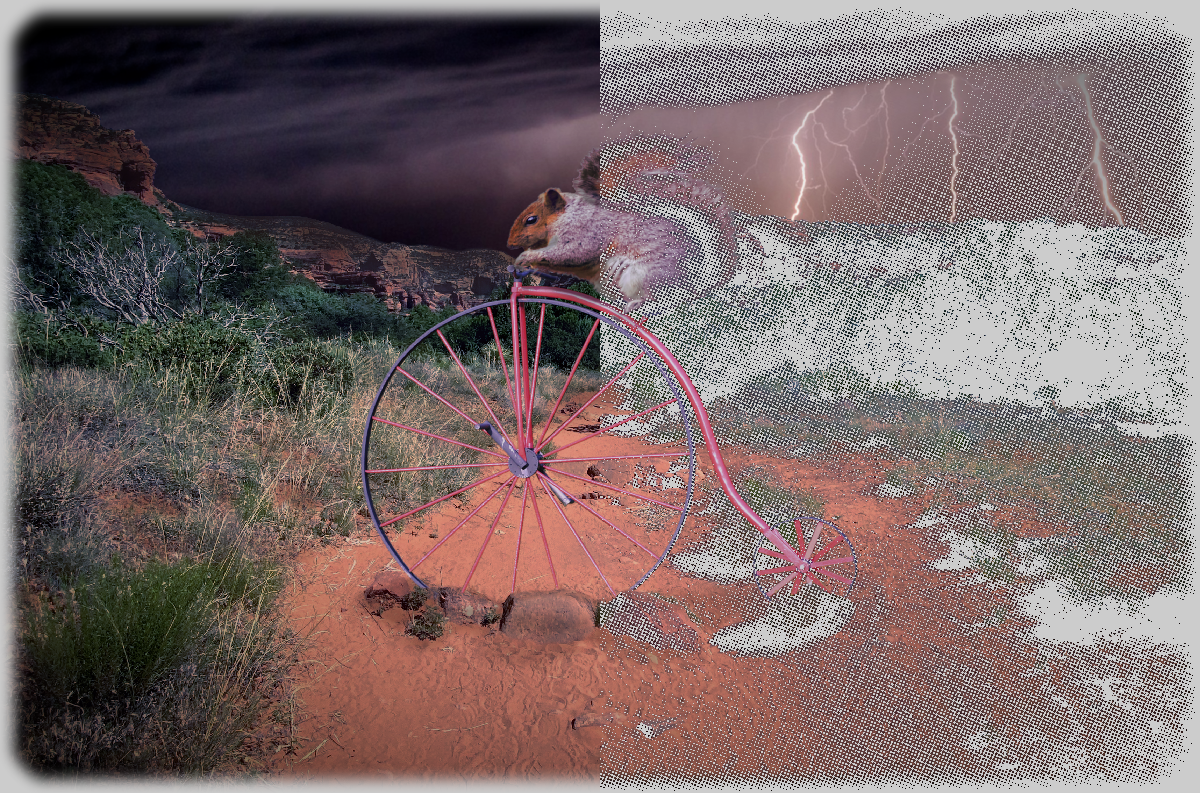
Custom Spot Color Knockout
Quickly remove specific colors colors from your artwork to let the garment show through, improving breathability and ink costs.
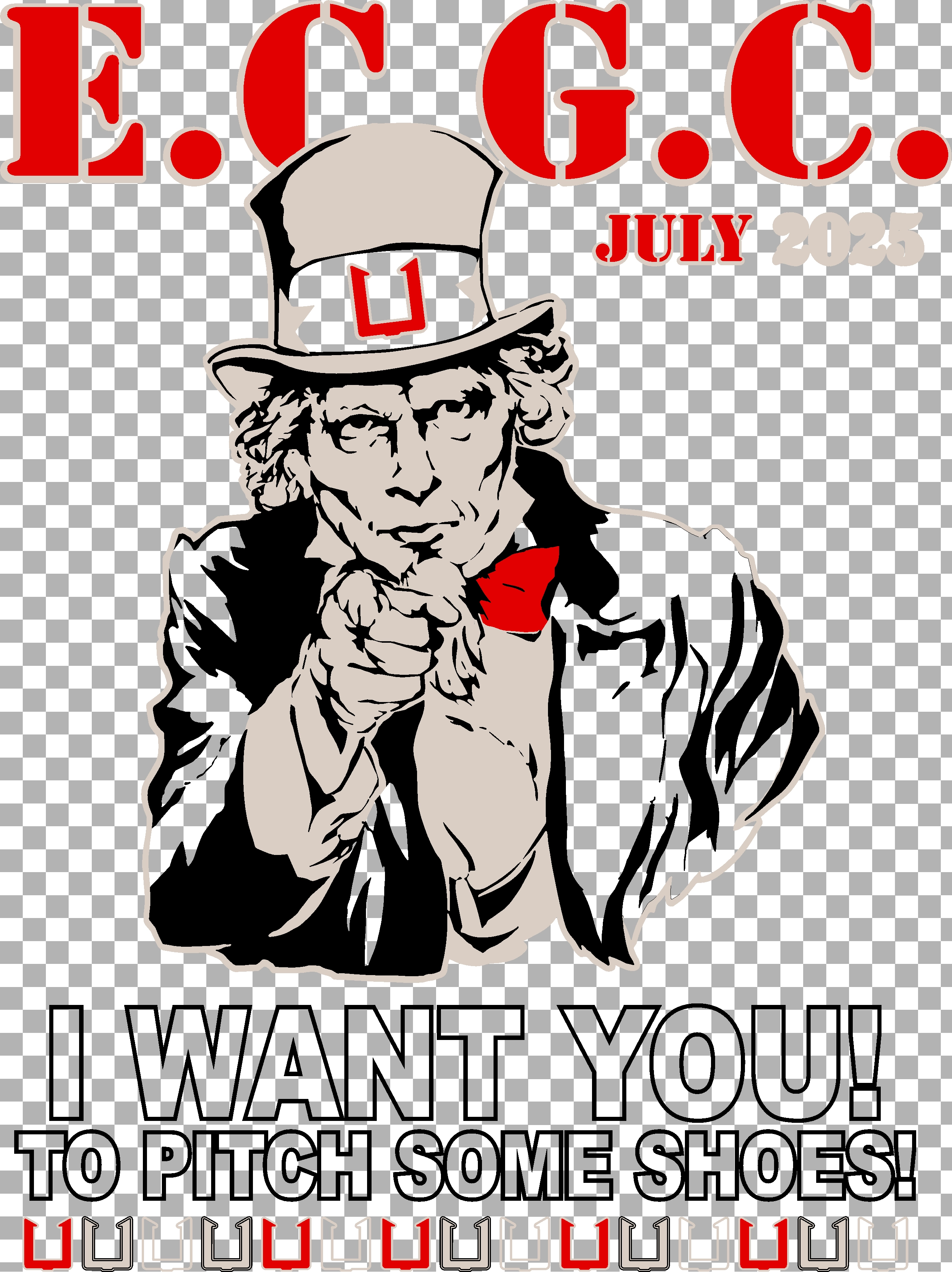
Instant Distressed Textures
Give your designs a vintage, worn-in look. Perfect for allowing large prints to breathe and improving the garment's hand-feel.
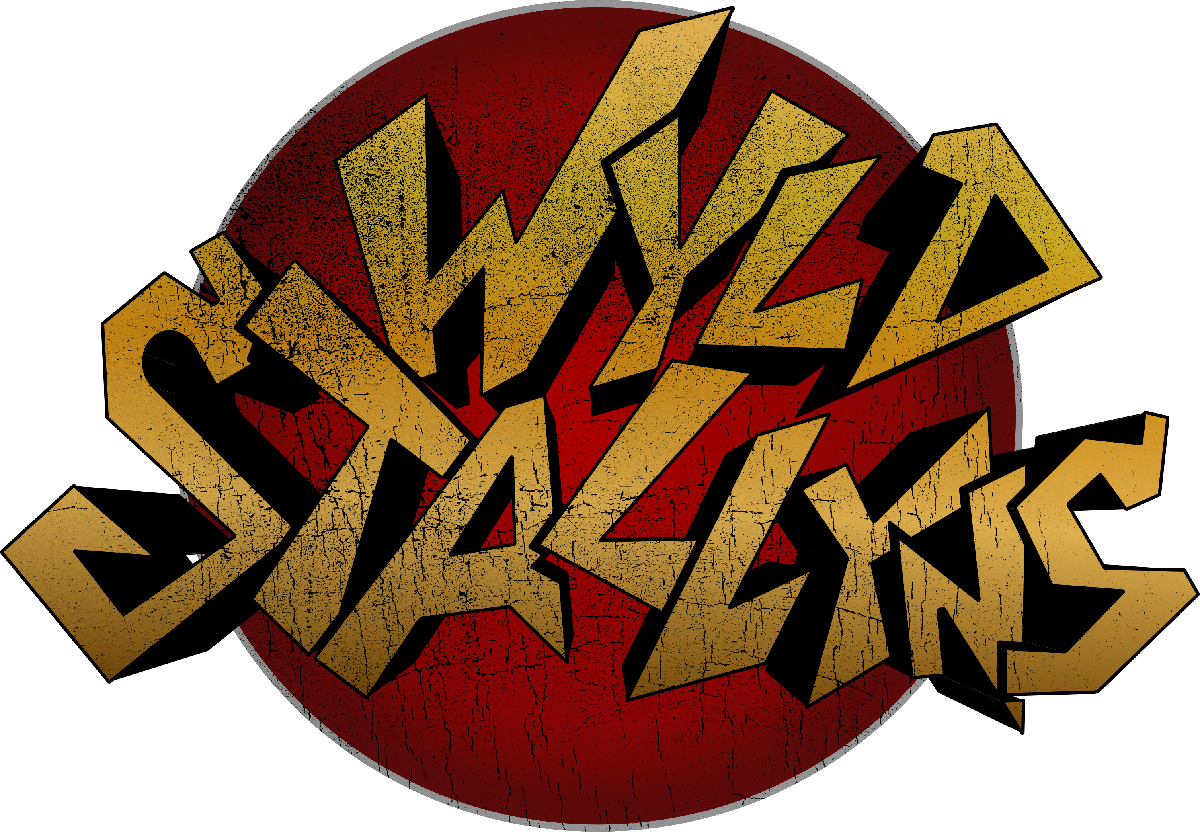
Remove Ugly White Outlines
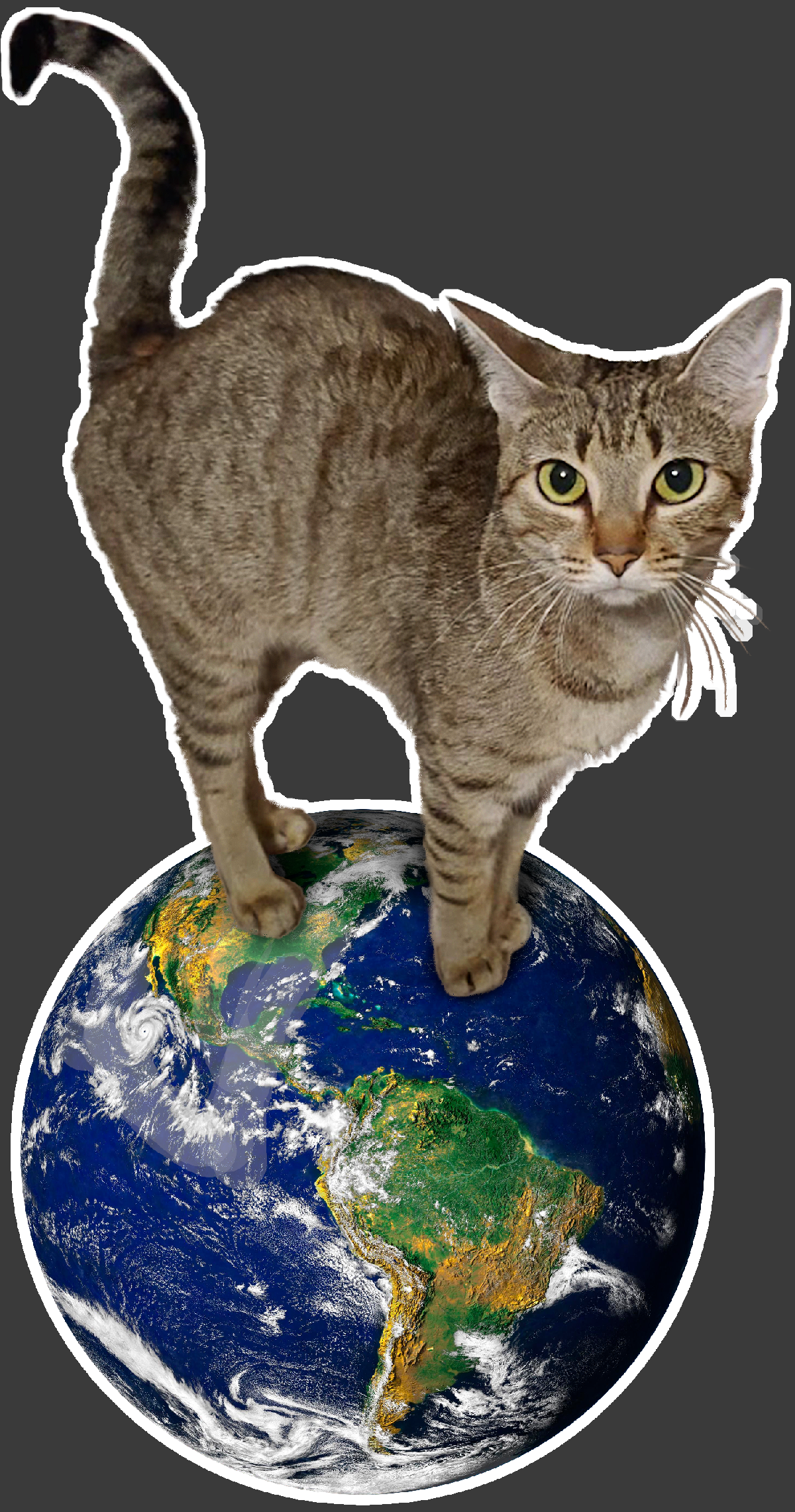
Remove unwanted white outlines and halos by instantly cleaning semi-transparent edges.
THE PRO
PACK
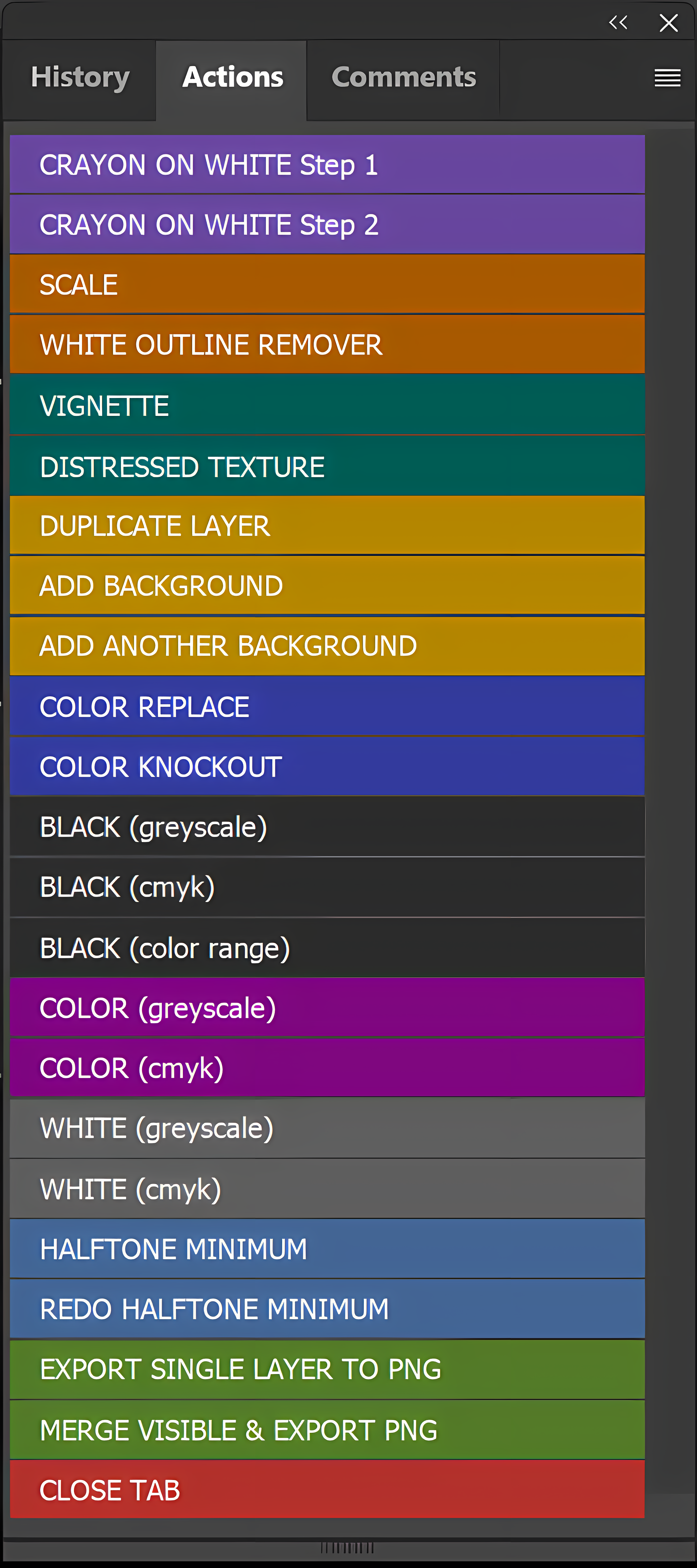
- Multiple Halftone Engines
- Spot Color Knockout & Replacement
- Vintage Texture Generator
- White Outline Remover
- Vignette Utility
- Halftone Dot Minimum Filter
- Instant Background Layer, Quick Scaling, and Other Workflow Helpers
One-Time Purchase
Starter
Includes One Black Halftone Tool plus Scale, White Outline Remover, and Close Tab Utilities.
Yours to Use Forever. No Subscriptions.
Download FreeDTF Quick Steps PRO
Unlocks All Actions and Features.
Lifetime access. No subscriptions.
Buy Pro Now
Need Help Getting Started?
We have a growing library of step-by-step video tutorials covering installation, everyday use, and advanced techniques.
Browse Video LibraryContact Us
Support
Need help with setup? Ran into a snag with Photoshop? We're here to help.
Questions
We're here to answer any questions. Have feedback or suggestions? We're always trying to improve the experience.
Email: contact@dtfquicksteps.com